
1
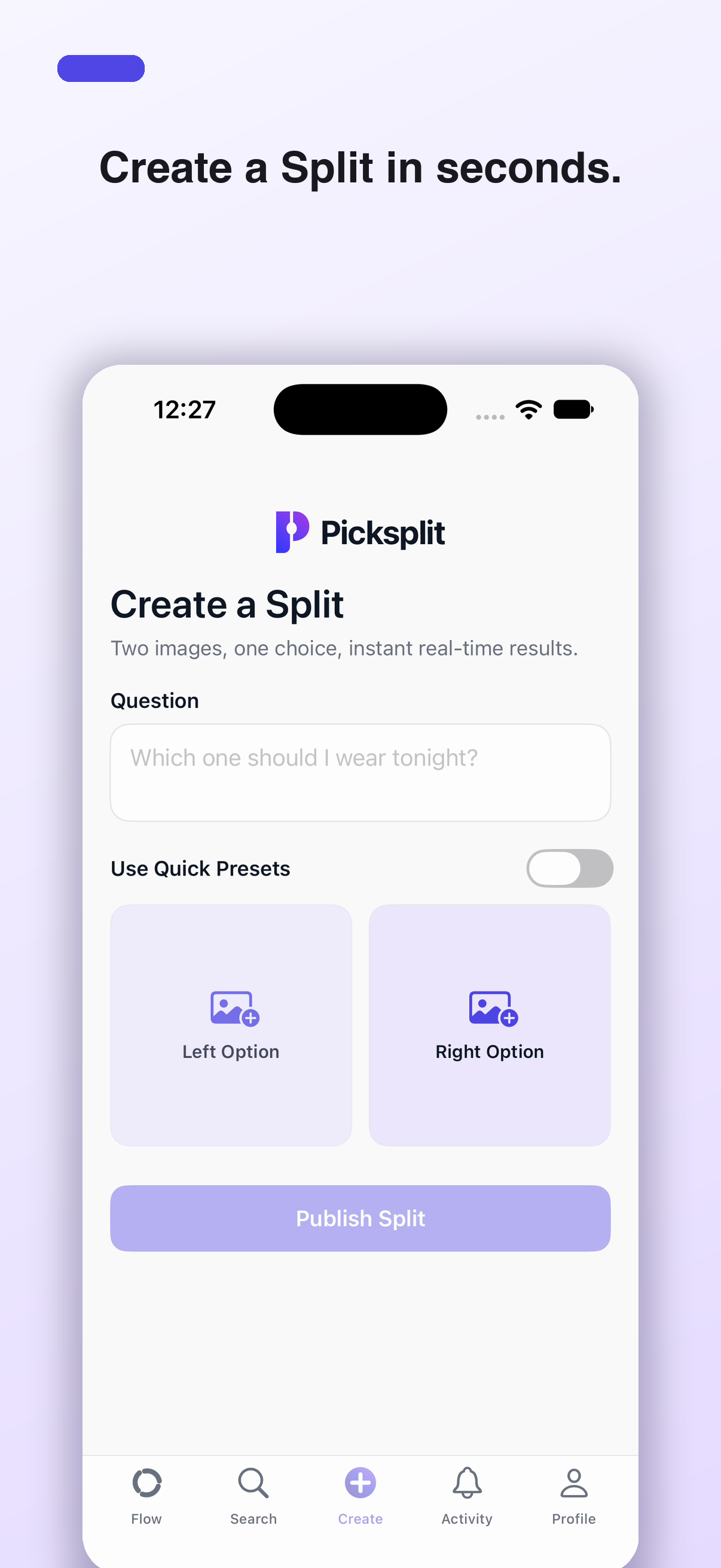
Create a Split
Set up one question with two images—one clear choice between A and B.
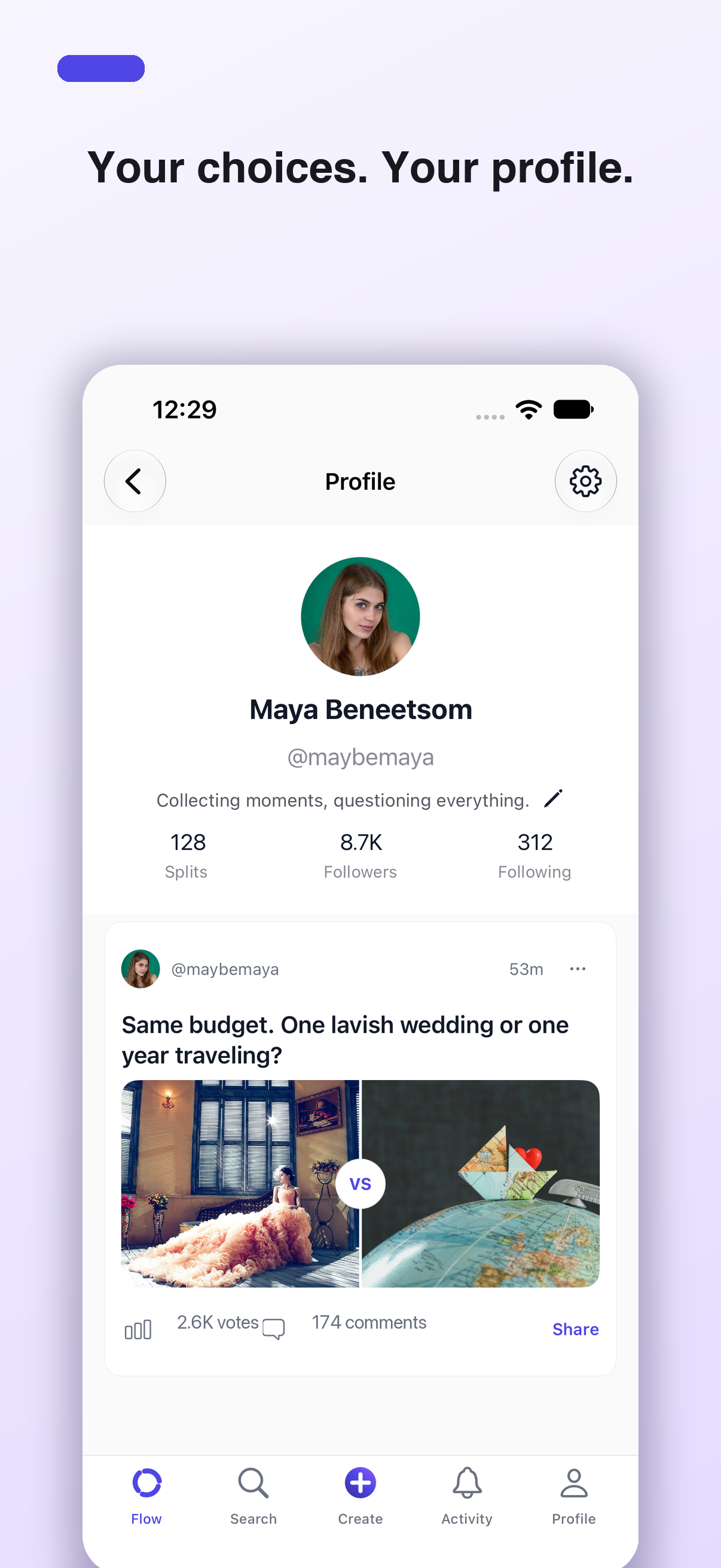
Create image-based A-or-B Splits, double-tap your pick, reveal how everyone voted, and talk about what makes each choice matter.
App download links will appear here when the official store listings are live.
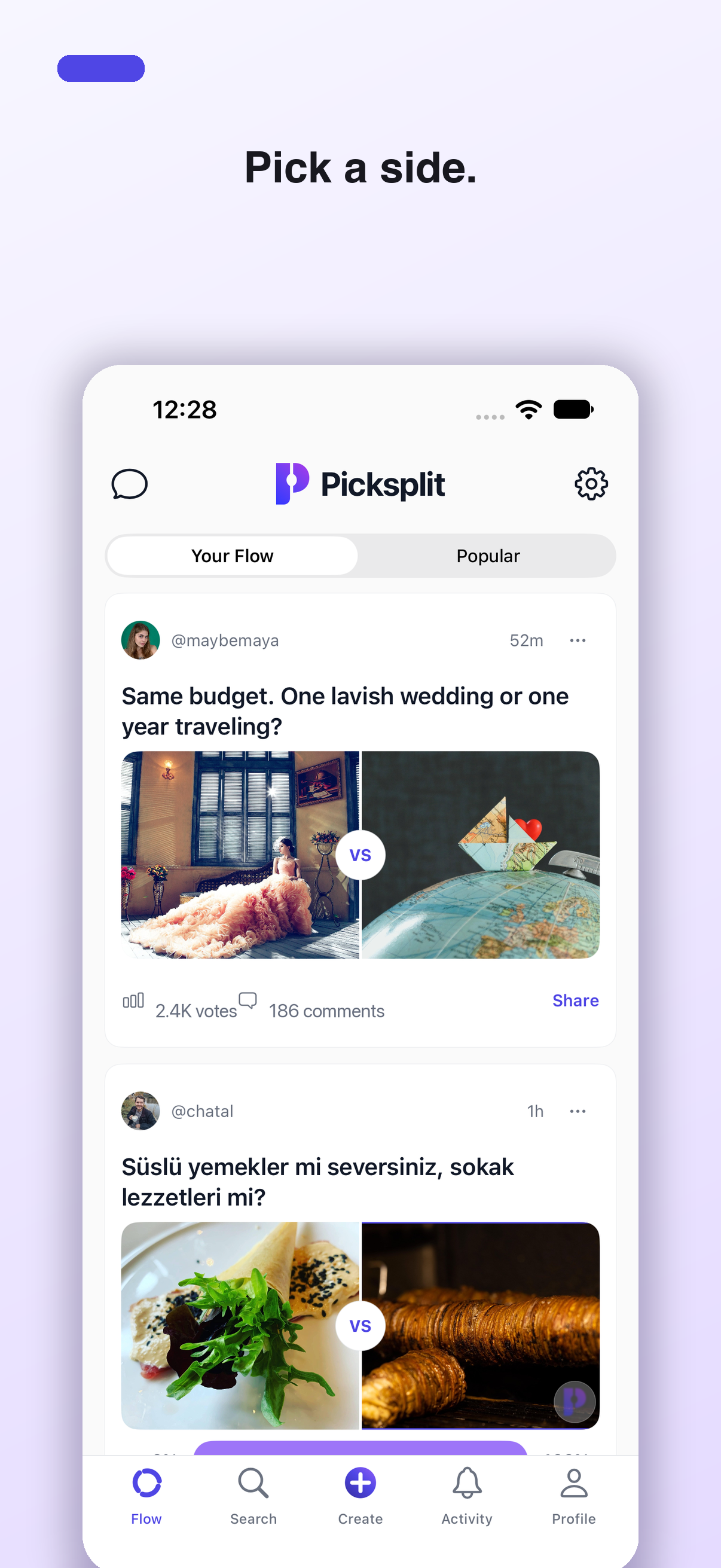
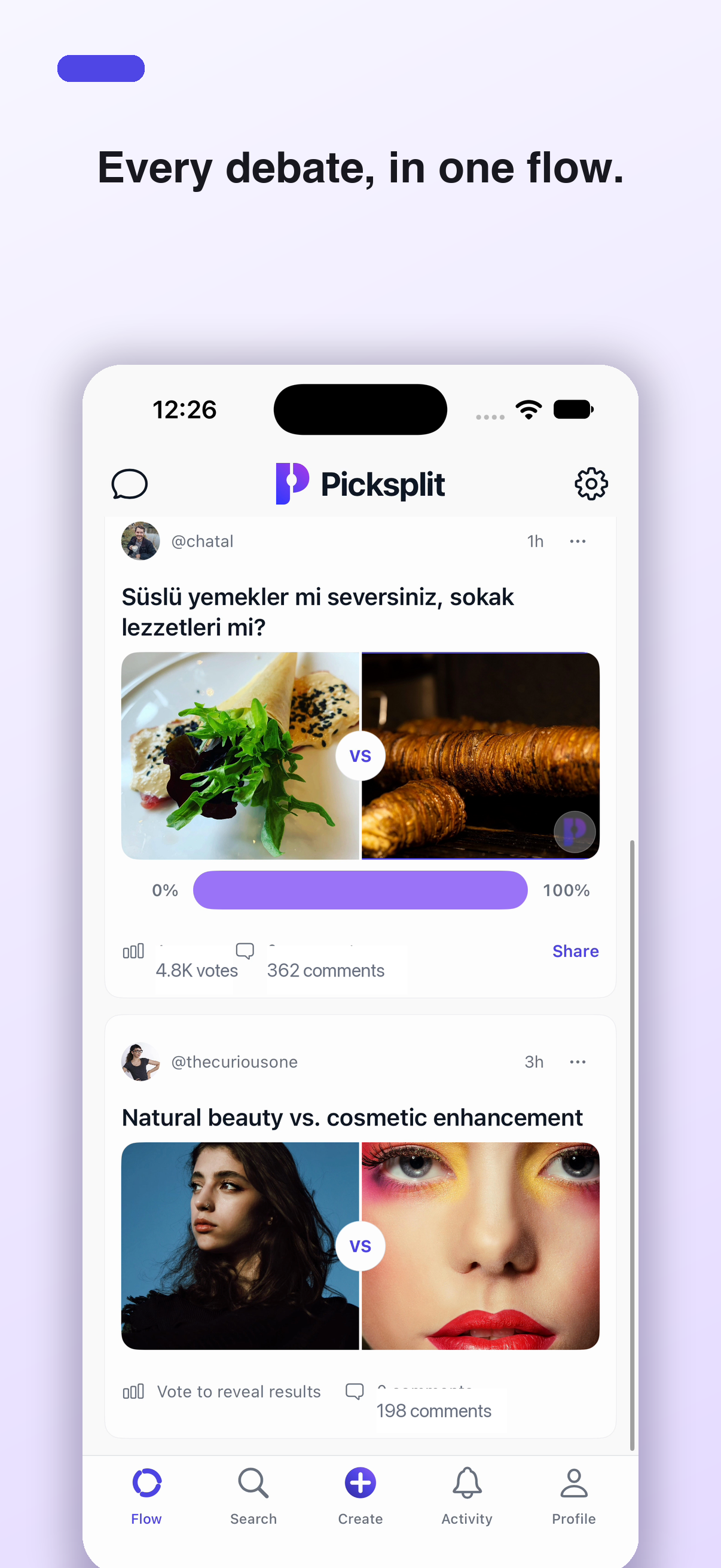
Picksplit keeps the interaction simple and lets the opinions do the interesting part.
Set up one question with two images—one clear choice between A and B.
Choose the image you prefer with a quick double-tap.
See the results after voting, then discover and discuss other opinions.
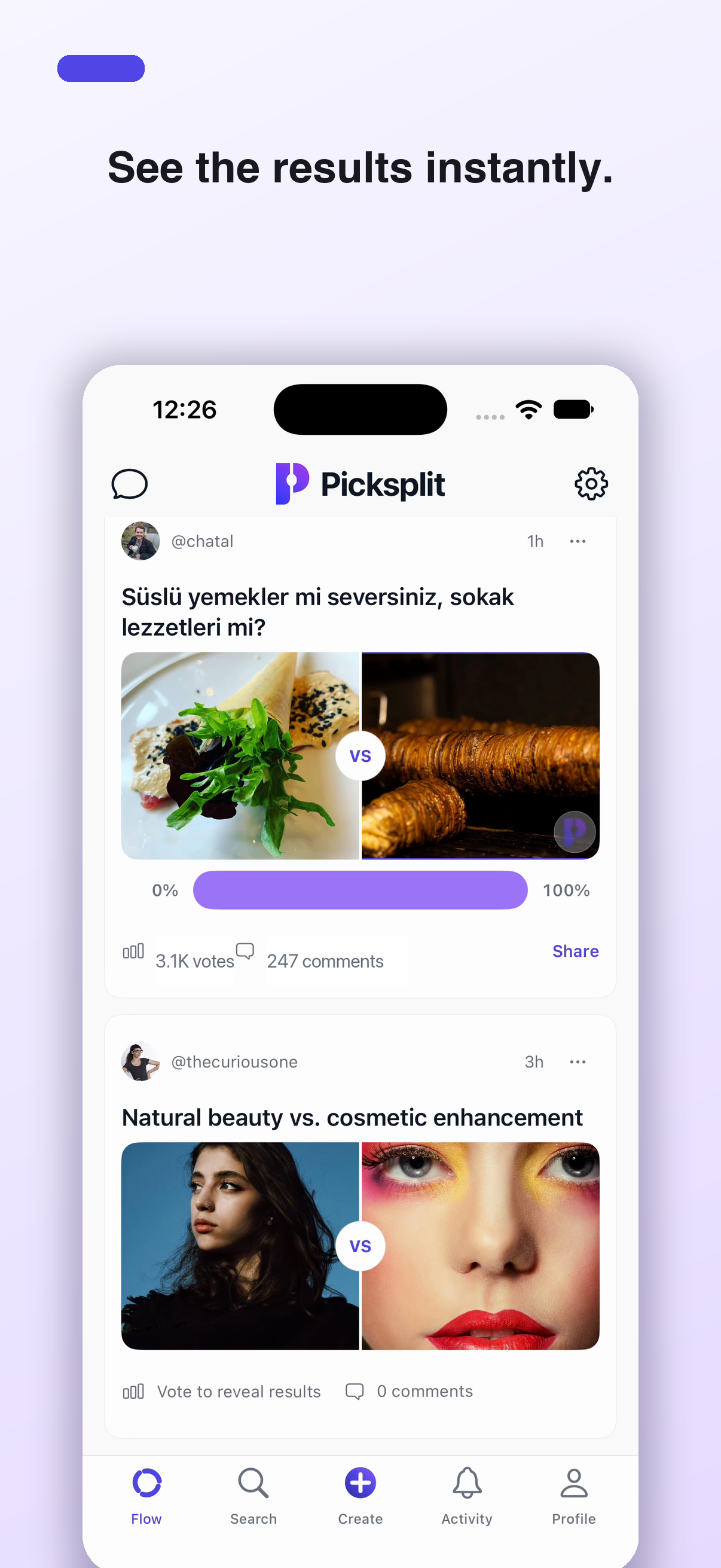
Results stay hidden until you choose. Once you vote, the balance appears and the conversation opens up.
Picksplit includes reporting, blocking, moderation, account controls, and dedicated escalation routes.
Report harmful content, abuse, child-safety concerns, copyright issues, or legal matters to reports@picksplit.app.
Moderation appeals use the same dedicated reporting address so the right team can review them.
Account blocking, freezing, and deletion controls are available in the app. Web guidance is available in Support.
The official iOS and Android download links will be added as soon as the store listings are available.
Visit support